Fun with AI: Create an Avatar of Yourself
Below are instructions to create an digital clone of yourself, e.g. an avatar that looks, sounds and actions like you.
There are numerous avatar solutions available, we will use HeyGen.
Goto: Free AI Video Generator: Create Stunning Videos with AI (https://www.heygen.com/)
Sign up for a free account.

Once logged into your account, click Avatar. Then click "Clone a real person".

Choose how you want to record a 15 second video of you, so it can be used to develop your avatar.

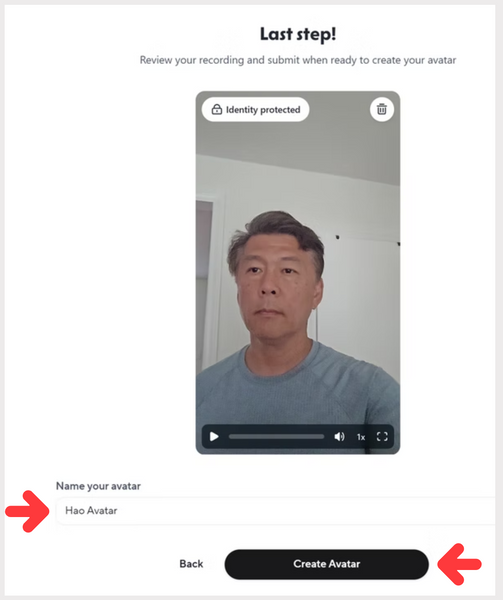
Complete the steps to upload/complete your 15 second video. Name your avatar and click "Create Avatar".
Once your avatar is create, you can select how to use your clone, e.g. what clothes it should wear, what background, etc....

I selected a clone that was in front of a microphone, perfect for a podcast.
Next I will script what I want the avatar to say, then click the "Use in video" and select "Add a script".

Add what you want the avatar to say, and click the "up" arrow.

It takes a few minutes for the avatar to generate. Check status on the left section

Once processing completes, click on the avatar to watch the clone in action!

